
MAXIM turns shift rotations, station assignments, and break tracking into a single real-time board — import from Excel, rotate in one tap, and always know who's covering what.
Your floor, at a glance
From the home grid to live mode and one-tap rotation — MAXIM keeps every station and person in view.
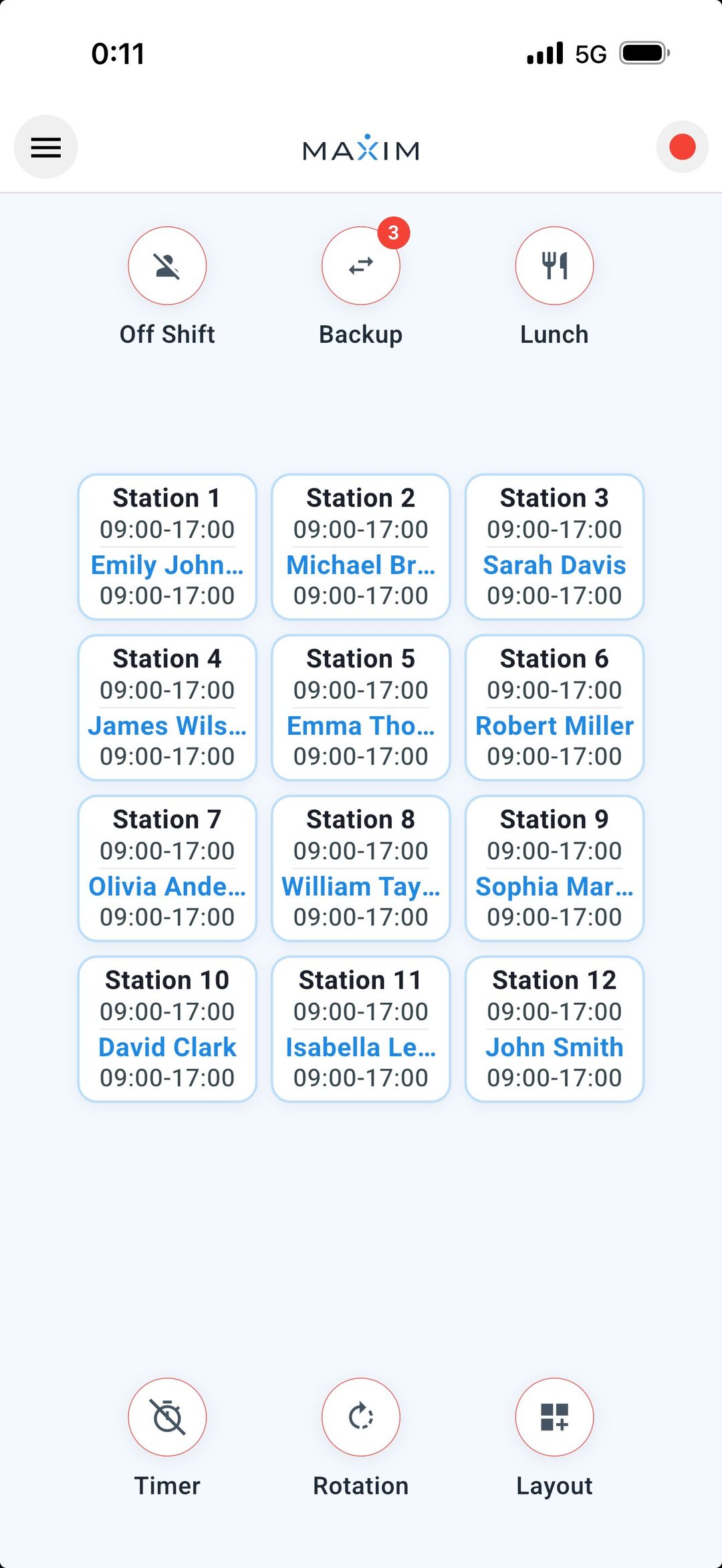 Live mode
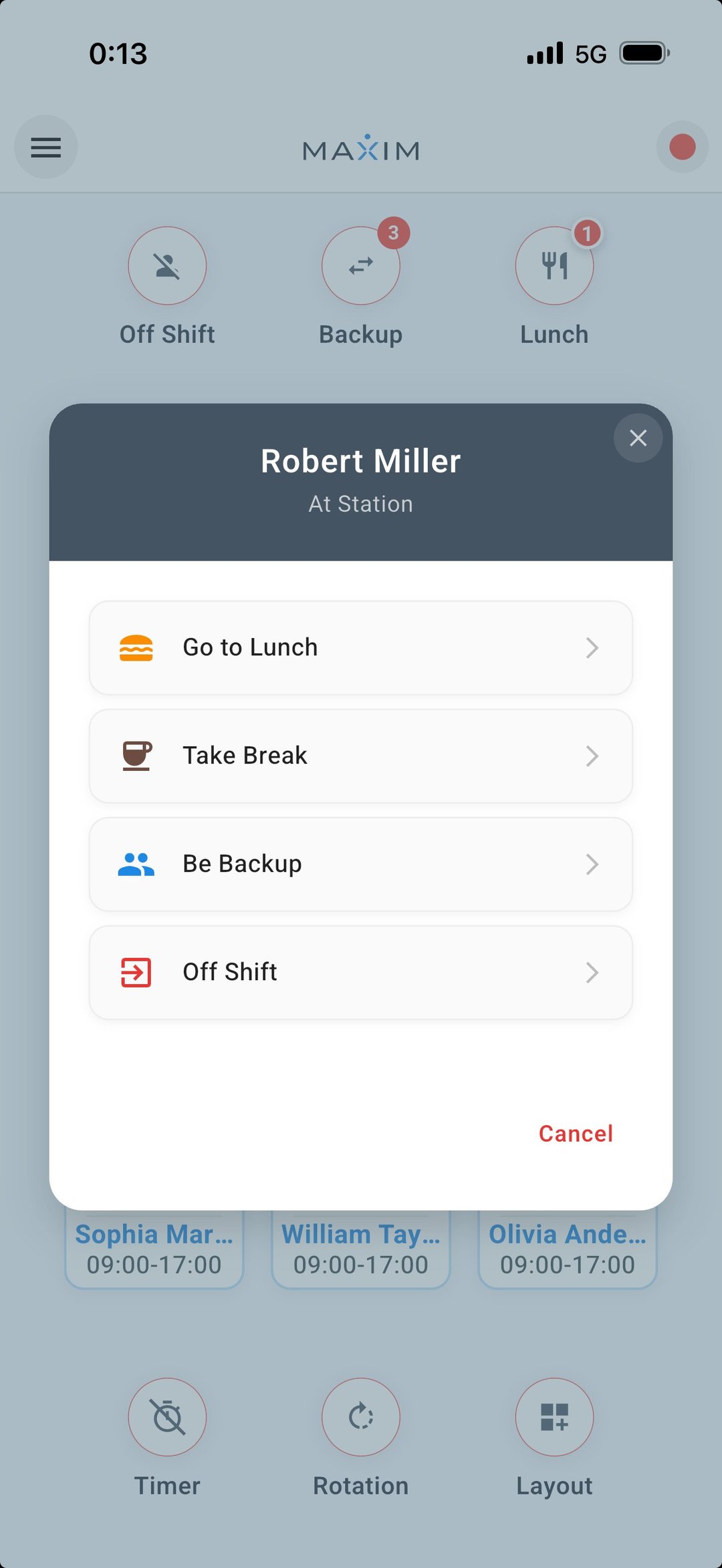 Quick actions
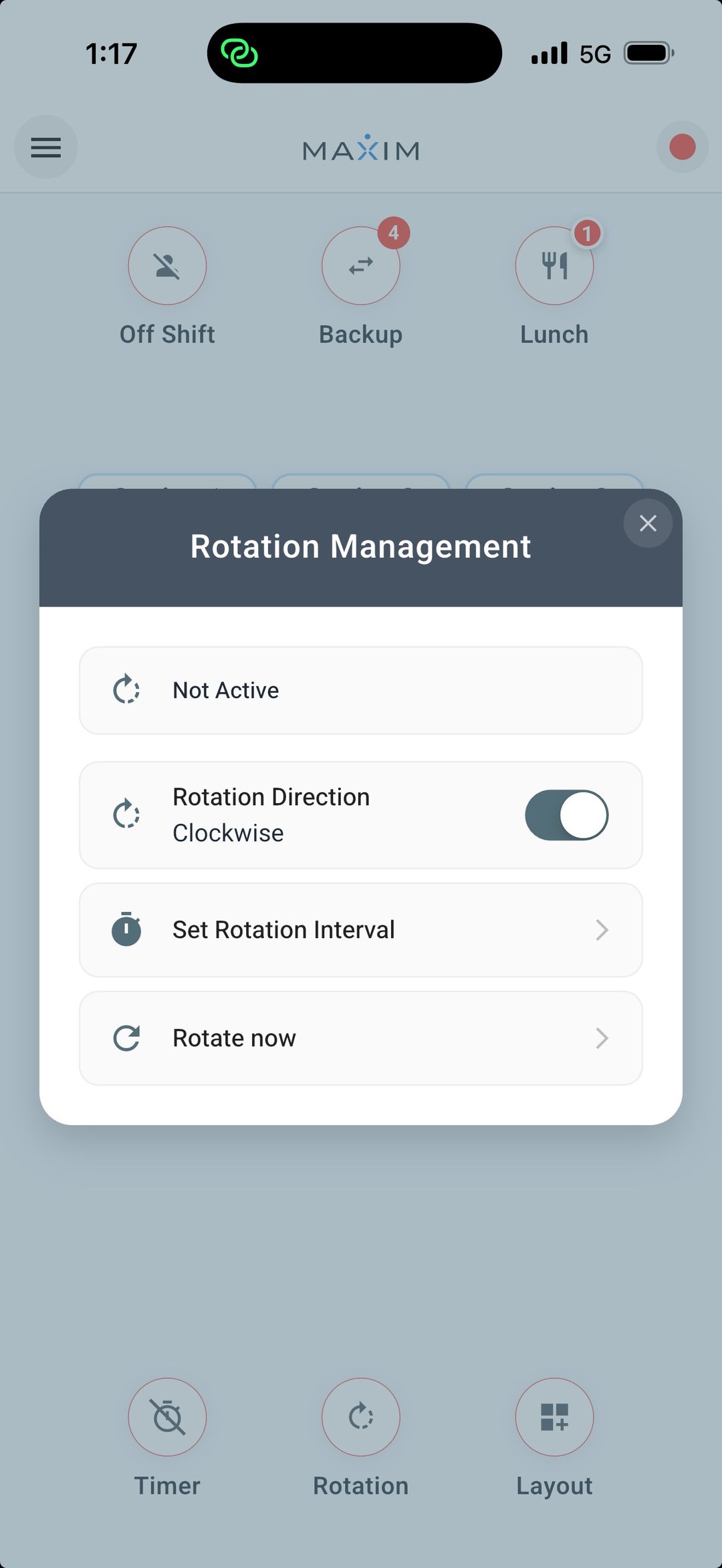 Rotation control
Everything you need to run a stationed team
Built for security posts, retail floors, nursing stations, production lines, and restaurant sections — wherever people rotate through positions.
Visual station grid
Lay out unlimited stations on a customizable grid and see every position at a glance.
Drag-and-drop assignment
Place people onto stations with a tap or drag. Reassign in seconds as the day changes.
Excel import & export
Bring in your existing schedule from Excel, and export the current day's roster instantly.
One-tap rotations
Move everyone to their next station in a single tap, manually or on a set interval.
Live status tracking
Each person reads On Station, Break, Lunch, or Available — updated in real time.
Backup pools
Keep available staff in a separate pool, ready to fill any gap for immediate coverage.
Conflict detection
MAXIM flags double-bookings and understaffed stations before they become a problem.
Timestamped records
Activity logs, break durations, and assignment history — a clear record when you need it.
Seven languages
Fully localized, including right-to-left Hebrew, so your whole team works in their own language.
How it works
No setup project, no training. Start with your real schedule and run the floor the same day.
Add stations
Create your work positions with custom names and a layout that matches your floor.
Assign people
Drop team members onto stations, or import the day's schedule straight from Excel.
Manage rotations
Rotate in one tap or on a timer, track breaks, and pull from your backup pool.
Export the day
Save or share the finished rotation as an Excel or CSV file when the shift ends.
Available in 7 languages
With full right-to-left support for Hebrew.
Get in touch
Questions, or want help getting set up? We're here.
contact@maxmeltd.comSupport hours: Mon–Fri, 9:00 AM – 6:00 PM